Remote & Cloud File Manager
BulkHead
A file manager for people who actually manage files. SFTP, SMB, WebDAV, and S3 — from your iPhone.
Download on the App Store Free with optional Pro upgrade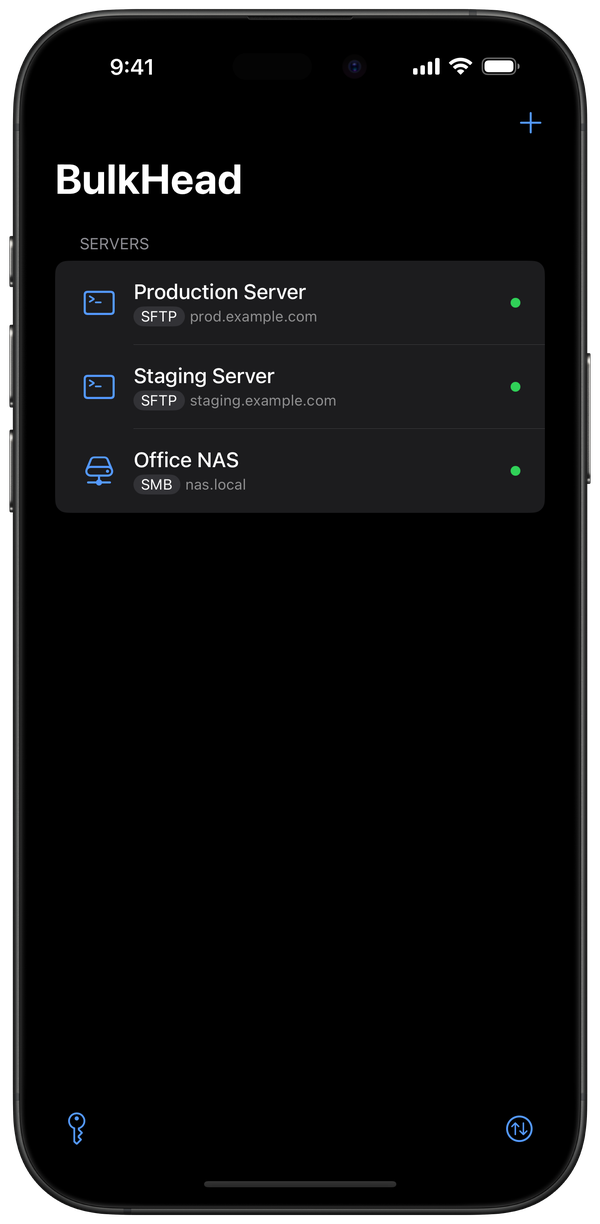
The iPhone connects to everything — except your servers. The built-in Files app stops at iCloud and basic SMB. BulkHead was built to close that gap.
Browse files like a pro
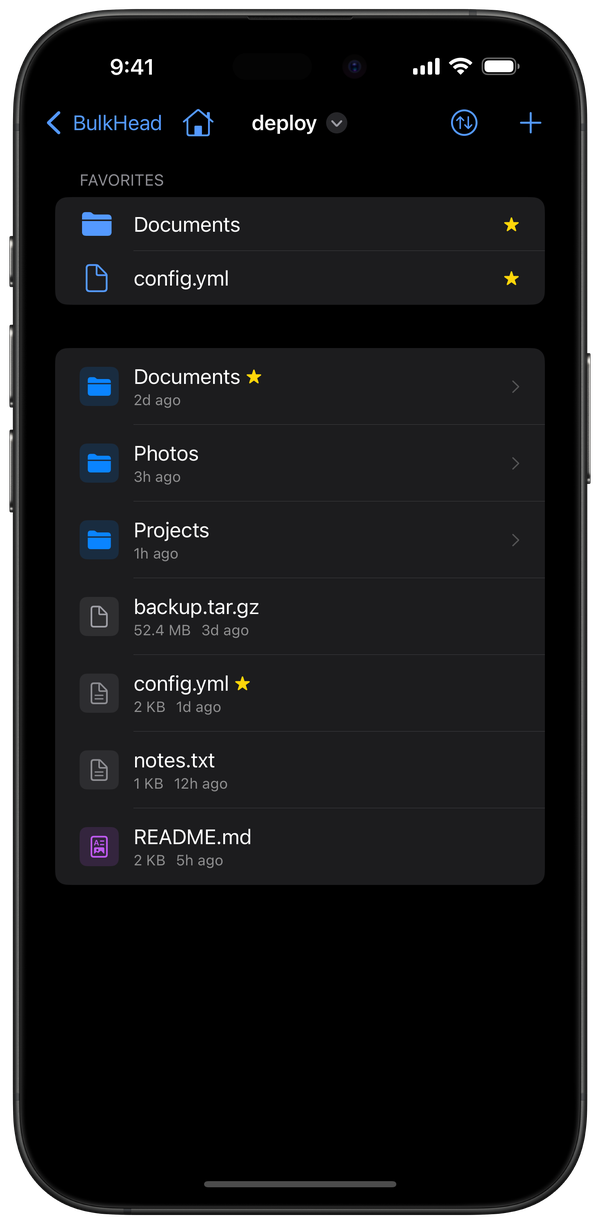
Navigate directories with swipe gestures, breadcrumb navigation, and pull-to-refresh. Switch between list and grid views. Sort by name, date, size, or type. Mark favorites for quick access. Select multiple files and batch move, copy, delete, or download in one go.
Edit code on the go
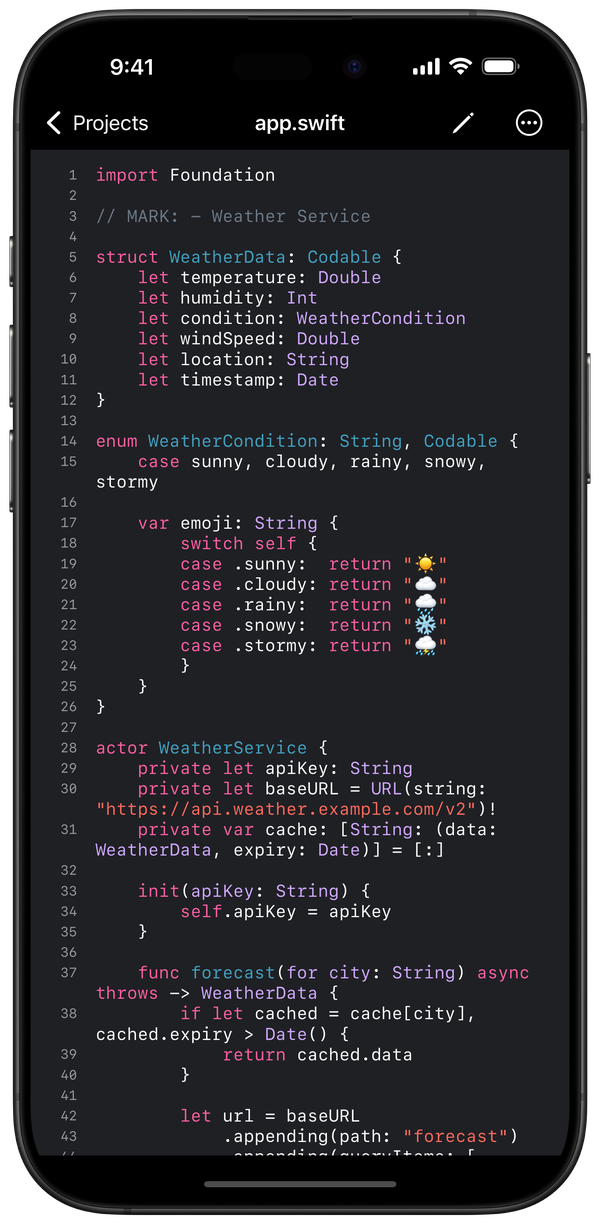
Syntax highlighting for over 50 languages — Swift, Python, JavaScript, Rust, Go, Ruby, and more. 30 color themes. Line numbers and word wrap. Open a config file on your server, make the change, save it. No laptop required. Changes auto-save as you type.
Write Markdown, see it live
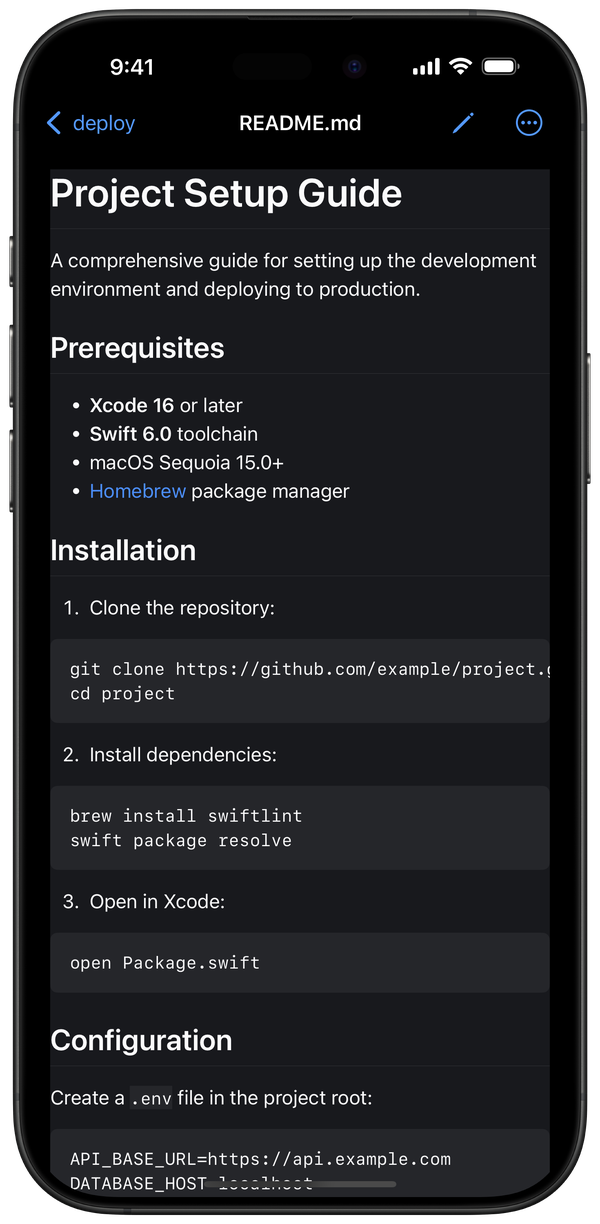
Split-pane editor with a rendered preview side by side. Formatting toolbar for headers, bold, italic, lists, code blocks, and links. Full GitHub Flavored Markdown support. Export to PDF or HTML with a tap.
And everything else you'd expect
Multi-protocol. SFTP, SMB, WebDAV, and S3-compatible services — Amazon S3, MinIO — all in one connection list.
SSH key management. Generate Ed25519 keys, import existing keys, manage passphrases. Assign keys to connections for passwordless authentication.
Preview everything. Images with pinch-to-zoom, PDFs, video, audio, and text files — rendered directly on device without downloading.
Transfer queue. Batch file transfers with progress tracking and retry support. Move files between servers without babysitting the process.
Auto-discovery. Bonjour finds servers on your local network automatically. No manual IP entry.
External display. Connect to a TV or monitor via USB-C or AirPlay. BulkHead renders an optimized large-format view on the external display.
Biometric lock. Face ID or Touch ID. Credentials stored in the iOS Keychain.
Local & iCloud. Browse local files and iCloud folders alongside your remote servers.
Pricing
BulkHead is free with up to 3 remote connections. That's enough to connect to your home server, your NAS, and an S3 bucket — or try all four protocols and see if it fits.
When you need more, Pro unlocks unlimited connections, the transfer queue for batch operations, cache encryption (AES-256-GCM), and external display support.
Free
$0
Up to 3 connections
Get started →Pro Annual
$6.99/year
1-week free trial
Start trial →Pro Lifetime
$14.99
Pay once, keep forever
Buy now →No monthly subscription. No account required.
Data Not Collected
BulkHead connects directly from your device to your servers. Nothing passes through our infrastructure — because we don't have any. No analytics SDKs. No crash reporters. No tracking pixels. The App Store privacy label says "Data Not Collected" and we mean it.
Read the full privacy policy →BulkHead is designed and built in California by oddinks, a small indie studio. No venture capital. No growth team. Just a small team that got frustrated enough with the existing options to build something better.
Free on iPhone, iPad, Mac, and Apple Vision Pro. iOS 17+.